
For rental managers and property management companies

Rental management software for managing on behalf of owners

Brokik is a system for rental managers: run a portfolio of apartments for many owners, settle each owner with your own commission, issue management invoices, and give owners online insight — without Excel and scattered e-mails.

Rental management software for managing on behalf of owners

From an empty flat to the end of the management agreement

Each situation shows what you do as the manager and what the owner receives and sees.

An empty flat: from prospect to tenant

Manager
  1. Adds a prospect and sends them an NDA to sign online; the prospect sees the flat's address only after signing.
  2. Books the viewing in the calendar; the prospect gets an e‑mail reminder 24 hours and 2 hours before it.
  3. Converts the prospect into a tenancy candidate and prepares the agreement as for any tenancy.
Owner
  1. If the management agreement includes a tenant placement fee, sees it as a separate line in the next settlement.
  2. Sees the new tenant in the portal if the manager shares tenant details.

Every month: the owner settlement and the invoice

Manager
  1. Picks the owner and the month; Brokik puts together the rent paid for their flats, the costs entered and the fee from the management agreement.
  2. After checking the preview, issues the settlement; the management fee invoice is created in the same step.
  3. Fixes a mistake with a correction: a storno and a new document are created, and the original stays unchanged.
Owner
  1. Gets an e‑mail with the settlement and the invoice as PDFs if their e‑mail address is on file.
  2. Downloads the settlements and invoices from the manager in the portal when the manager shares finances.

The owner checks the portal

Manager
  1. Invites the owner to the portal; the owner gets an e‑mail with a link to activate the account.
  2. Chooses what the owner sees in the read-only portal: finances, documents and tenants.
Owner
  1. Sees their flats with the rent, the tenant and arrears, within the scope the manager set.
  2. Downloads rental agreements, handover protocols and energy certificates from Documents.
  3. Sees recent events in their flats under Activity.

Ending the management agreement

Manager
  1. Sets a notice date; the management agreement enters its notice period and nothing disappears yet.
  2. Before ending it, sees what stays (settlement history, invoices, documents) and what goes (active portfolio, open prospects, future viewings).
Owner
  1. Can switch manager or end the cooperation from the portal.
  2. Keeps the settlement and document history after the end; the tenancy continues and the tenants stay.

How it works

Four steps from an empty account to a settled owner. See these steps on real screens

  1. Add an owner and set the commission

    Create a client record (with or without an account) and set the terms: percentage, fixed amount, or both.

  2. Add properties and tenants

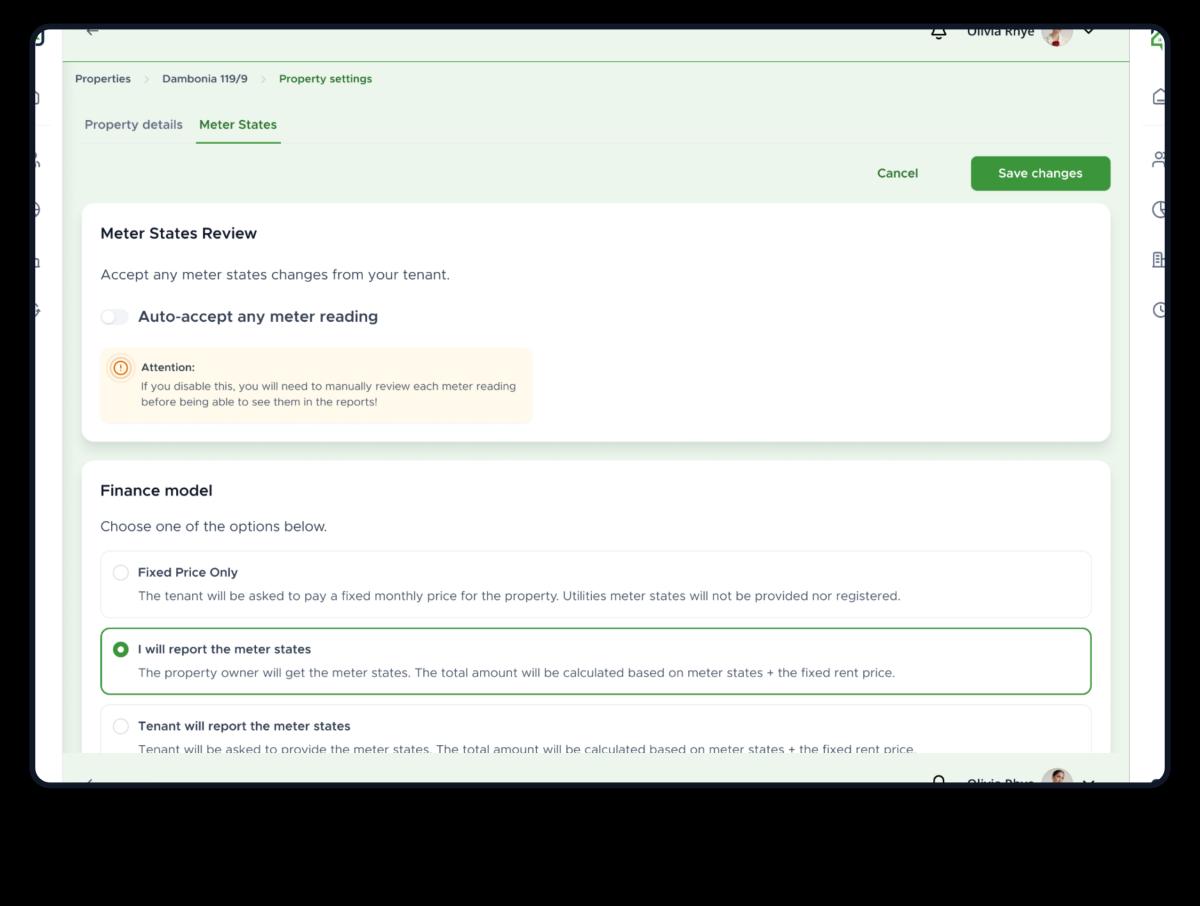
    Assign apartments to the owner, add tenants, contracts, and meters.

  3. Run the tenancy and acquire tenants

    Settle rent and utilities, send reminders, schedule viewings, and sign contracts online.

  4. Settle the owner and issue an invoice

    Generate the monthly settlement with commission, issue the management invoice, and share it with the owner in the portal.

Pricing

Pricing for rental managers

You pay for the size of your portfolio — one subscription for the whole office, less than a single commission.

Mini
up to 5 units
1,000 AI credits every month
Owner portal, commission settlements and 25 e‑signatures a year.
Most popular
Starter
up to 10 units
1,000 AI credits every month
Everything in Mini, with 50 e‑signatures a year.
Pro
up to 25 units
1,000 AI credits every month
Everything in Starter, with 125 e‑signatures a year.
Enterprise

Custom price

over 25 units
1,000 AI credits every month
We agree the unit limit and the price around your office; unlimited e‑signatures.
Pay a year upfront and you pay for ten months; two years are 30% cheaper.Without an active plan the panel stays read-only — you can still view and export everything.Plan AI credits start with your first plan payment; unused credits don't carry over to the next month.Prices include VAT — you will see the split before paying.

Frequently asked questions

For each owner you generate a monthly settlement: rent collected minus costs minus the commission from the management agreement (percentage, fixed amount, or both). From the settlement you can issue a VAT invoice for the management service right away.
No. The basis is a client record you keep yourself. If you want, you can invite the owner to a portal with access to only the scope you set (finances, documents, tenants).
The management relationship has a notice period. After it ends, the properties leave the active portfolio, and the history of settlements and documents stays with both parties.
Yes. You manage prospects, send an NDA to be signed online, schedule viewings in the calendar with reminders, and turn a ready prospect into a tenancy candidate.

Start managing rentals in Brokik

Create a manager account and add your first owner. No data migration.