
Get Powerful Reports & Analytics That Actually Help You Make Money
Stop guessing about your rental performance. Get clear insights about income, expenses, profitability, and trends that help you make smart decisions and maximize your rental income.
Reports That Actually Matter for Property Owners
No complex charts or confusing data. Get simple, actionable reports that show you exactly what's happening with your rental business and what to do next.
Income & Expense Tracking
See exactly how much each property makes and costs. Track rent payments, maintenance expenses, and net profit automatically.
Property Performance
Compare which properties make the most money, have the lowest vacancy rates, and need the most maintenance. Make data-driven decisions.
Trend Analysis
See trends in rent payments, maintenance costs, and tenant satisfaction. Spot problems before they become expensive issues.
Records for Your Accountant
Export your income report as a CSV and hand your records, costs included, to your accountant. Everything in order when tax season comes.
Why Property Owners Love Smart Analytics
How it works in Brokik
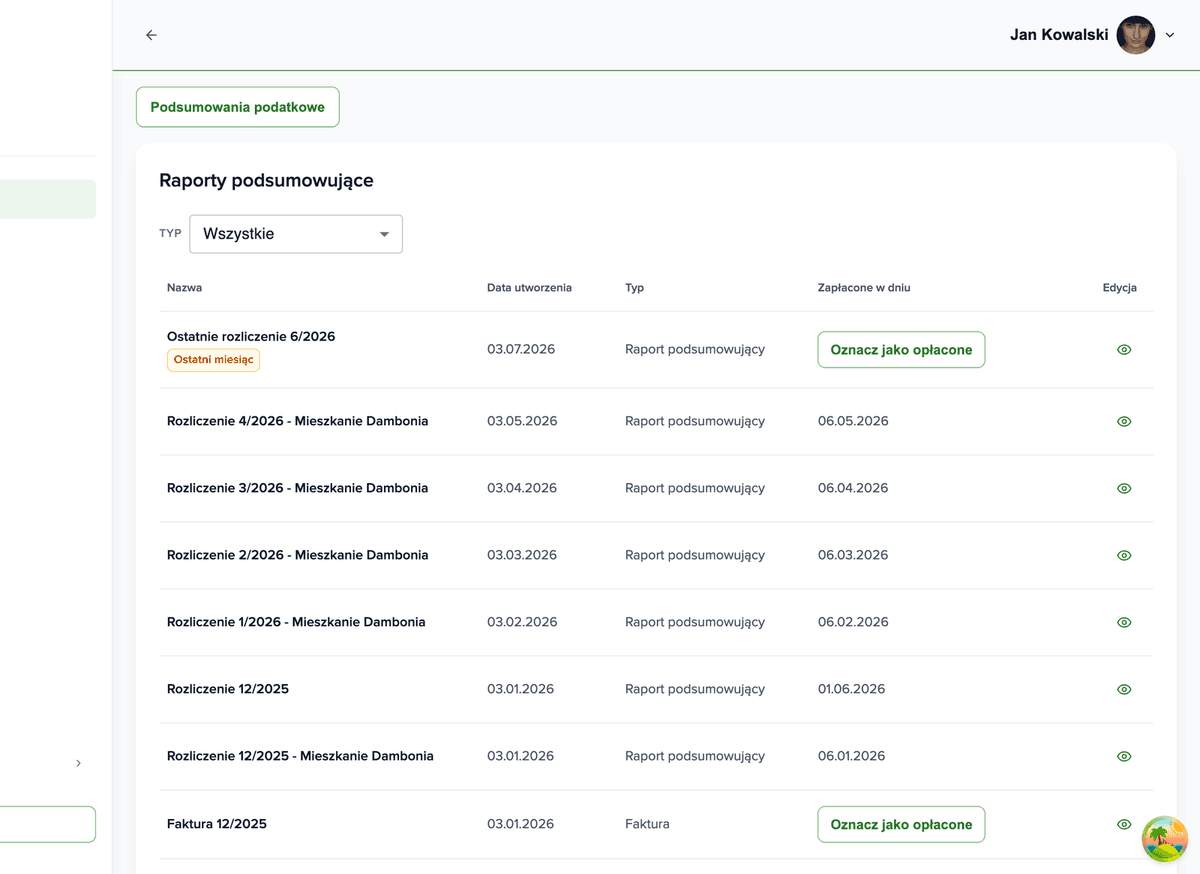
Reports are built from the settlements you issue anyway — five screens from a payment to the file for your accountant.You mark a payment on the settlement
Every settlement has a due date and a status. When the money arrives you mark it as paid — the only thing you enter by hand.Income report month by month
For every month you see what was due, what came in and what is outstanding — in total or per property.Arrears and deposits in one place
Who is behind, for how many days and how much. Next to it: which deposits are in and which are missing.Brokik reminds you before anything is overdue
Your dashboard lists upcoming actions: rent due dates, pending readings, tenancies coming to an end.You export a CSV for your accountant
You download the income report as a CSV with the same columns you see on screen.
Quarter end: an owner of three flats checks what came in
- Opens Reports and sees the income of each property for the chosen period next to the costs entered.
- In the arrears report checks which tenant is behind and for which month.
- Exports the income report to CSV and sends it, together with the recorded costs, to the accountant.
Ready to Make Smarter Decisions?
Stop managing blindly. Get the insights you need to maximize your rental income and minimize expenses.Your entire tenancy in one place
Manage your rentals more easily with Brokik - agreements, settlements and documents in one place.